Market data & exchange premium
Live prices
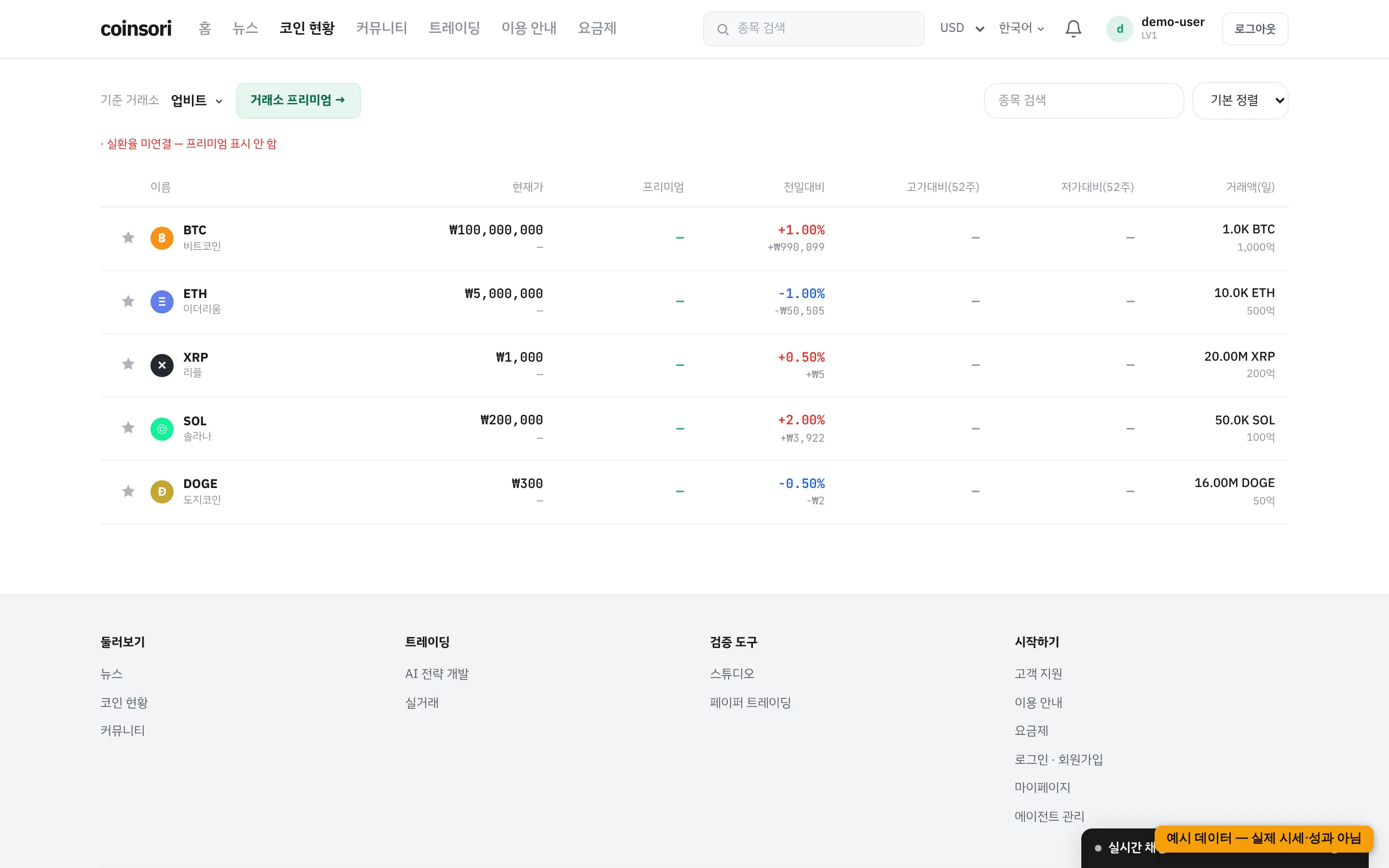
The server aggregates prices from multiple exchanges and streams WebSocket deltas. If a sequence number is missed, the client refetches the full snapshot so the screen never sticks to stale values.
Exchange premium
The percentage gap between Korean and global exchange prices. soritrading computes it with the real USD/KRW FX rate — converting via KRW-USDT would mix USDT's own price swings into the premium. If the FX source is down, the premium is left blank (never estimated).
Charts
Candles come from soritrading's own store with realtime WebSocket updates.
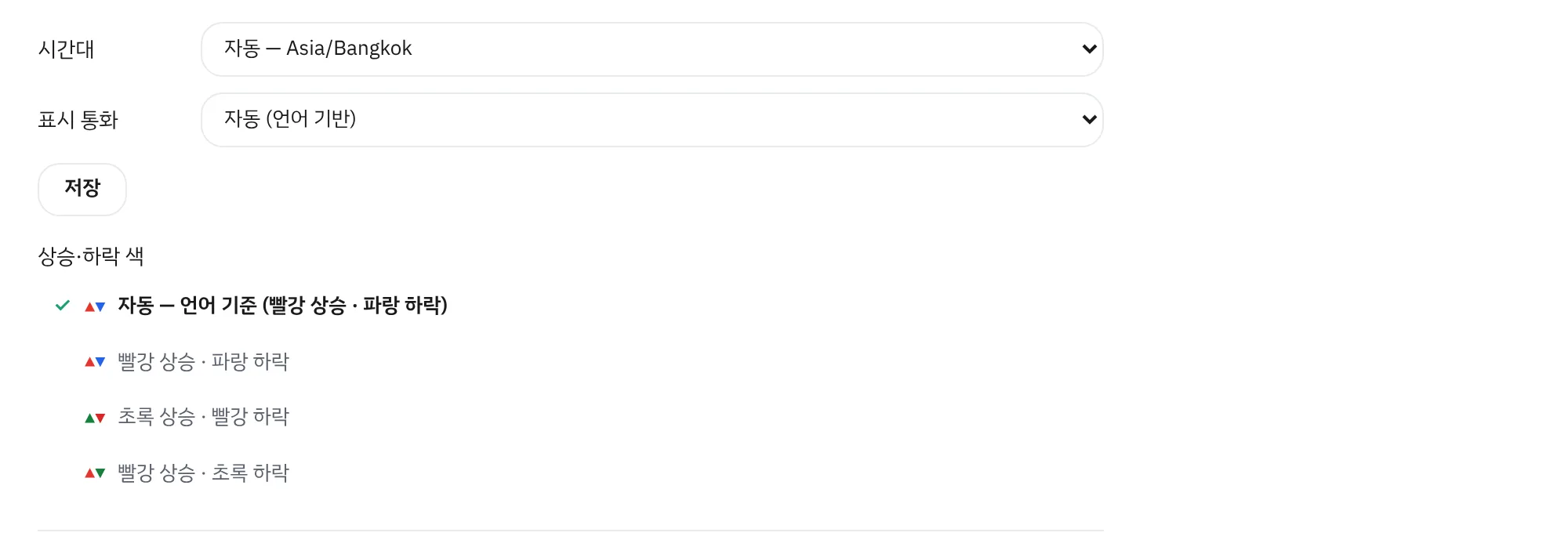
Up/down colors follow different conventions around the world, so the default comes from your display language — Korean and Japanese, Chinese (Simplified and Traditional) and all other languages each use the scheme common in that region. If you are used to another scheme, pick it under the language menu or in My Page (each option shows its color swatch). When logged in it is normally saved to your account and follows you across devices; otherwise it is saved on this device — the picker shows where it was saved. Charts, order books and return figures all follow the same setting; errors and warnings use their own fixed color regardless of it.
Display currency & timezone
Change them in My Page. Defaults are automatic (browser timezone, locale-based currency); converted values are marked with ≈ alongside the original amount.